
IPNut, as an enterprise-level proxy service provider, offers over 90 million pristine residential IPs across 220+ countries and regions including the United States, India, and Thailand. Supporting both API and username/password authentication, our proxies enable one-click extraction for effortless integration and immediate use.
IPNut proxy services require an overseas network environment for optimal performance.
Member Registration #
Visit the IPNut official website, click “Register for Exclusive Benefits,” and complete verification via mobile or email to activate your account and access our services.
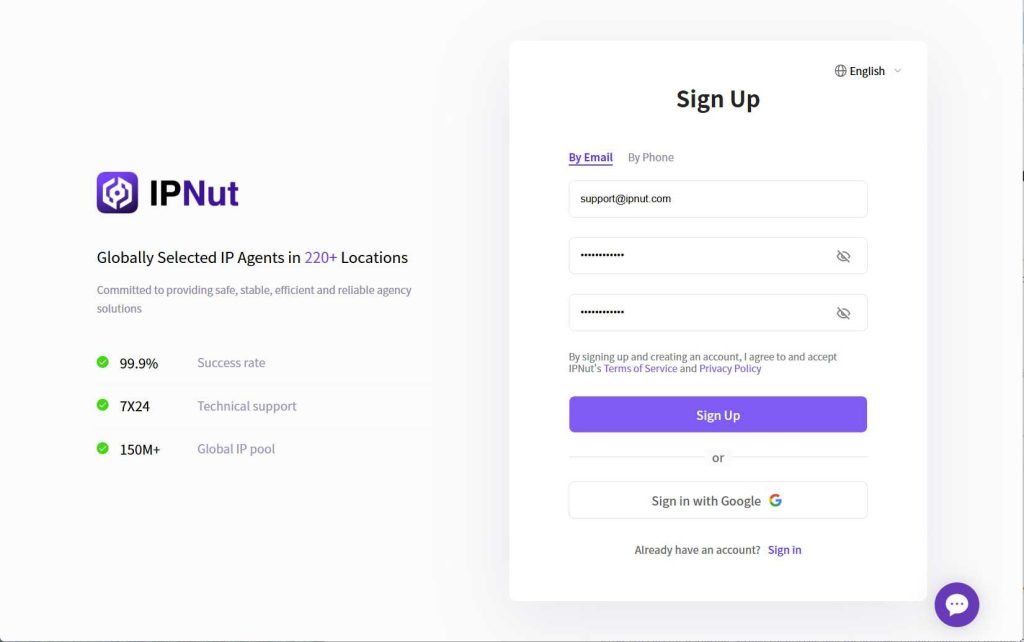
Step 1: Claim Your Free Trial #
New users can contact our customer service after registration to receive a beginner’s proxy package—including 5-day shared IPv4 proxies—via dedicated support lines or live chat.
Step 2: Test Proxy Connectivity #
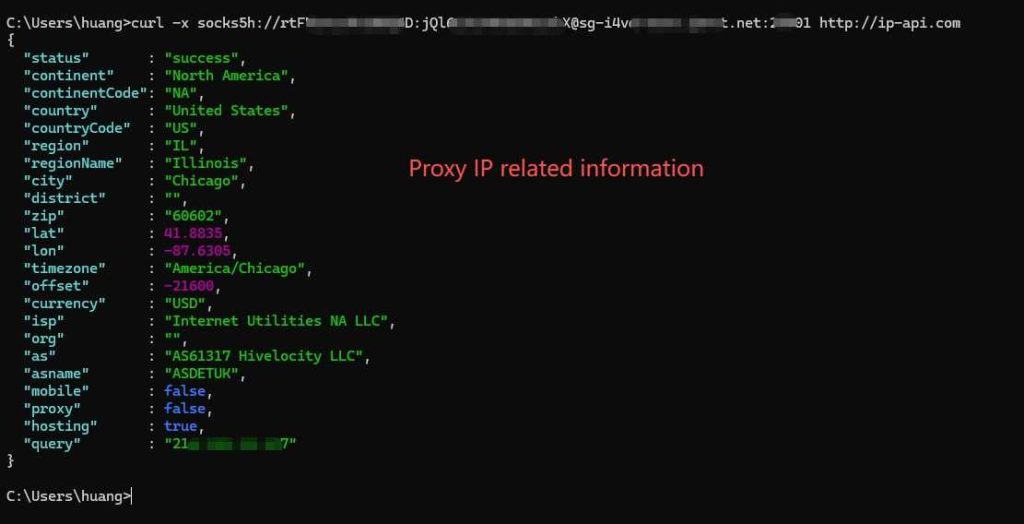
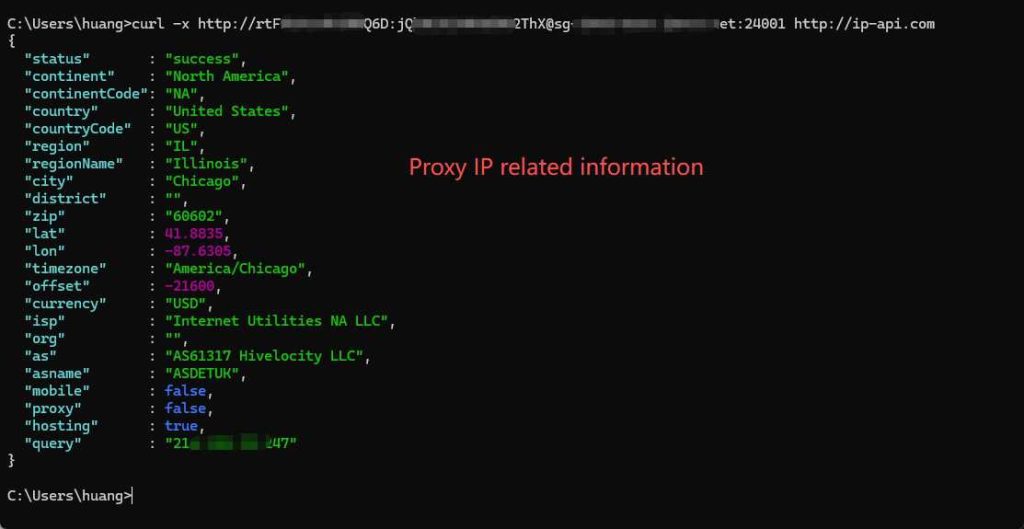
To verify IP connectivity, open Command Prompt (type “cmd” in the search bar) and perform the following test:
For Credential-Authenticated Proxies:
curl -x [protocol]://[username]:[password]@[IP_or_domain]:[port] http://www.ip-api.com
Example:
curl -x socks5h://account:password@tsproxy.ipnut.com:25002 http://www.ip-api.com
Paste the auto-generated test command from your authentication details and press Enter. If proxy information appears, the IP is active and connected.
Step 3: Configure and Deploy Proxies #
After extracting proxies, configure them in fingerprint browsers or other platforms. Generally:
- Locate “Network Settings” or “Proxy Settings” in your software
- Enter the IP, port, and authentication credentials in the appropriate fields
- Save and apply settings to enable proxy routing
For detailed guidance or troubleshooting, contact our support team at any time.
Need Assistance?
For further technical or operational support, reach us via:
- Email: Jenny@ipnut.com
- Live Chat: 24/7 real-time support on our website


